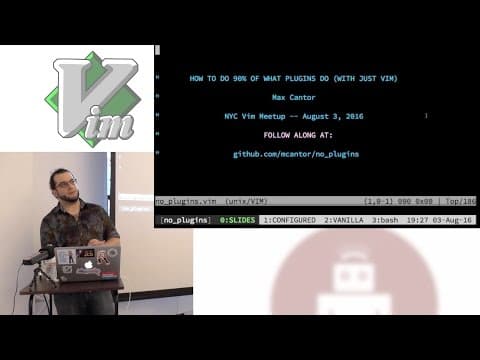
How to Do 90% of What Plugins Do (With Just Vim)
Max: Native Autocomplete in Vim
Vim's built-in autocomplete functionality, accessible via Ctrl+n (next) and Ctrl+p (previous), automatically leverages existing tags files and analyzes the current file's context, including language-specific dependencies. This provides a powerful, out-of-the-box autocompletion experience that rivals many plugin-based solutions.
The Built-in File Browser: Netrw
Netrw, Vim's default file browser, offers essential functionality for navigating file hierarchies without requiring external plugins, though its configurability and intuitiveness are limited.
Integrating RSpec Output with Vim
While modern plugins are recommended, Vim can process RSpec test output by using a custom formatter like 'QuickFixFormatter' to convert errors into a Vim-readable format, allowing for direct navigation to failing tests.
System Clipboard Integration
Connecting Vim's registers to the system clipboard, specifically using the `+` register for copy-pasting, is a powerful feature. However, the speaker notes that making this work reliably ('out of the box') can be surprisingly difficult and often requires specific compilation flags or extensive configuration, a common frustration in software development.
Leveraging Vim's Help System
The speaker emphasizes the critical importance of Vim's comprehensive built-in help system (`:help` and `:helpgrep`). By utilizing these commands, users can discover functionalities, understand key bindings across different modes, and search through documentation efficiently. This internal resource is presented as a superior alternative to external searches for many common queries, fostering self-sufficiency.
Strategic Plugin Usage
The speaker advocates for a minimalist approach to plugins, favoring small, targeted plugins over large, monolithic ones. While acknowledging the utility of plugins like 'nerd tree' for file browsing, the emphasis is on leveraging Vim's core capabilities first. The advice is to use plugins that genuinely simplify workflows and are well-maintained, rather than adopting them indiscriminately.